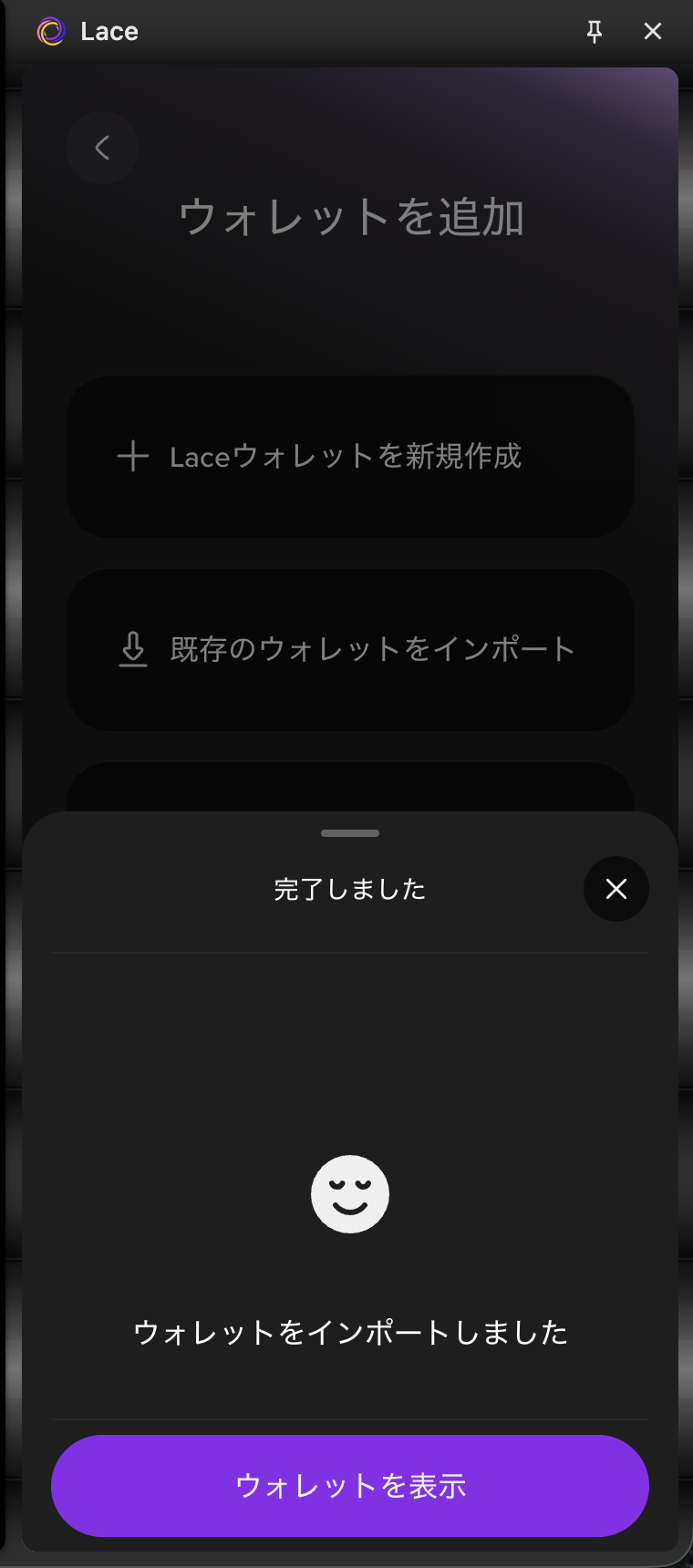
Restore the Wallet Using the Recovery Phrase
Restore
-
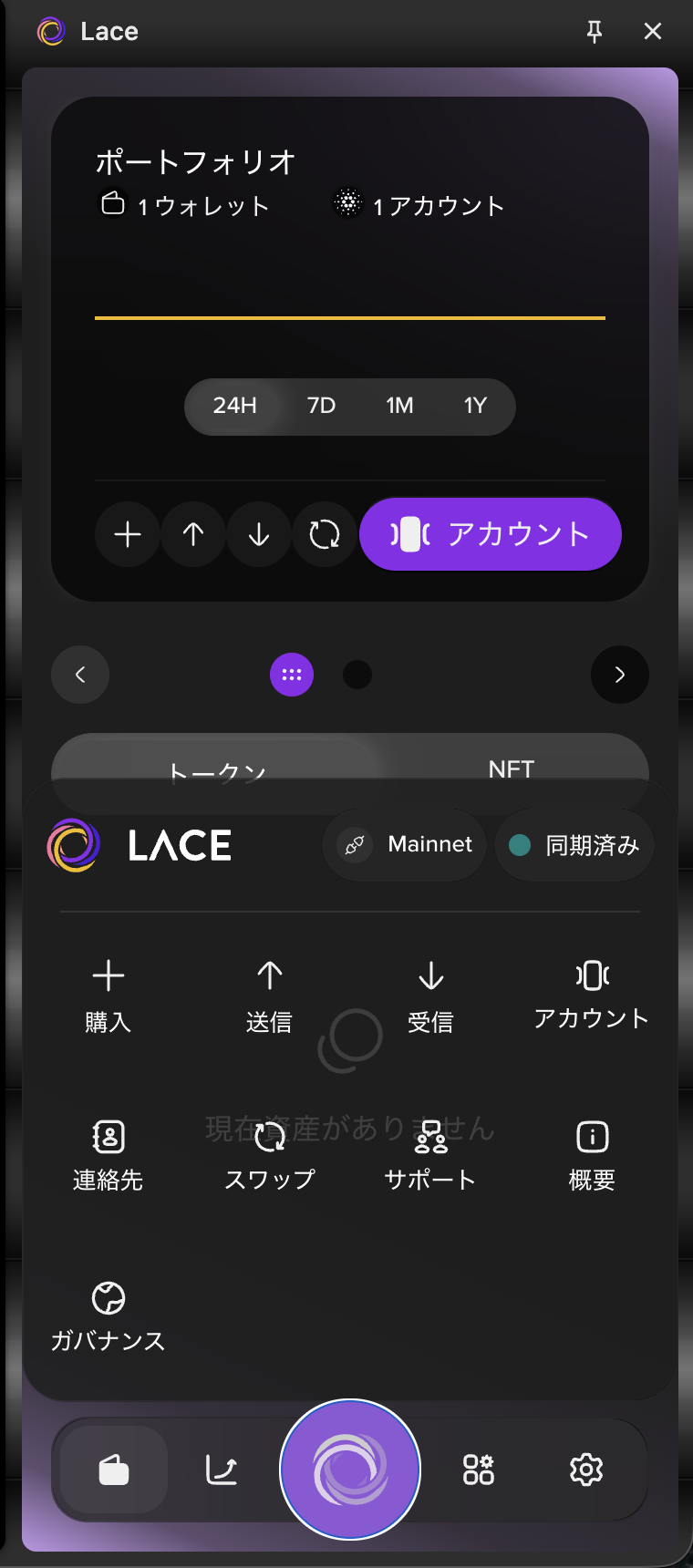
Select the Lace icon at the bottom of the screen, then select "Accounts".
-
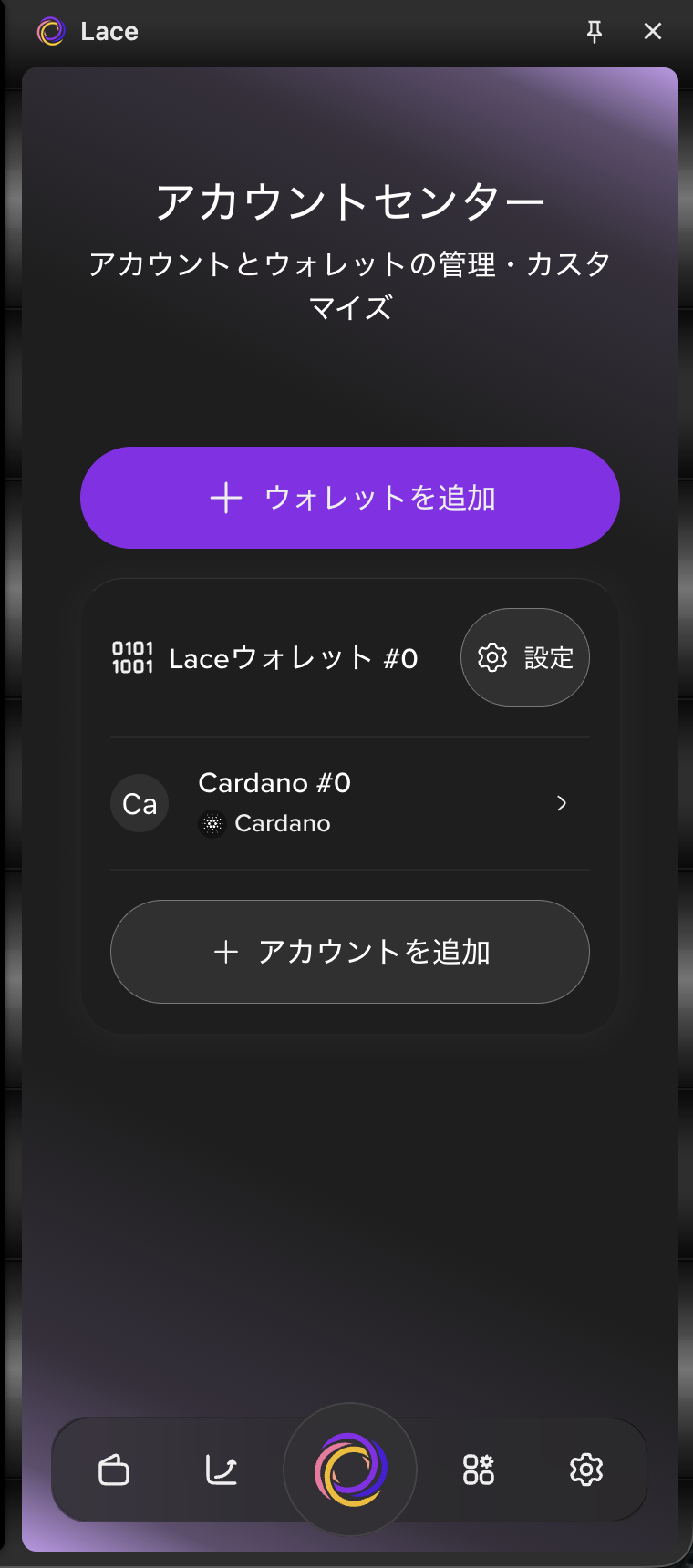
Select "Add Wallet".
-
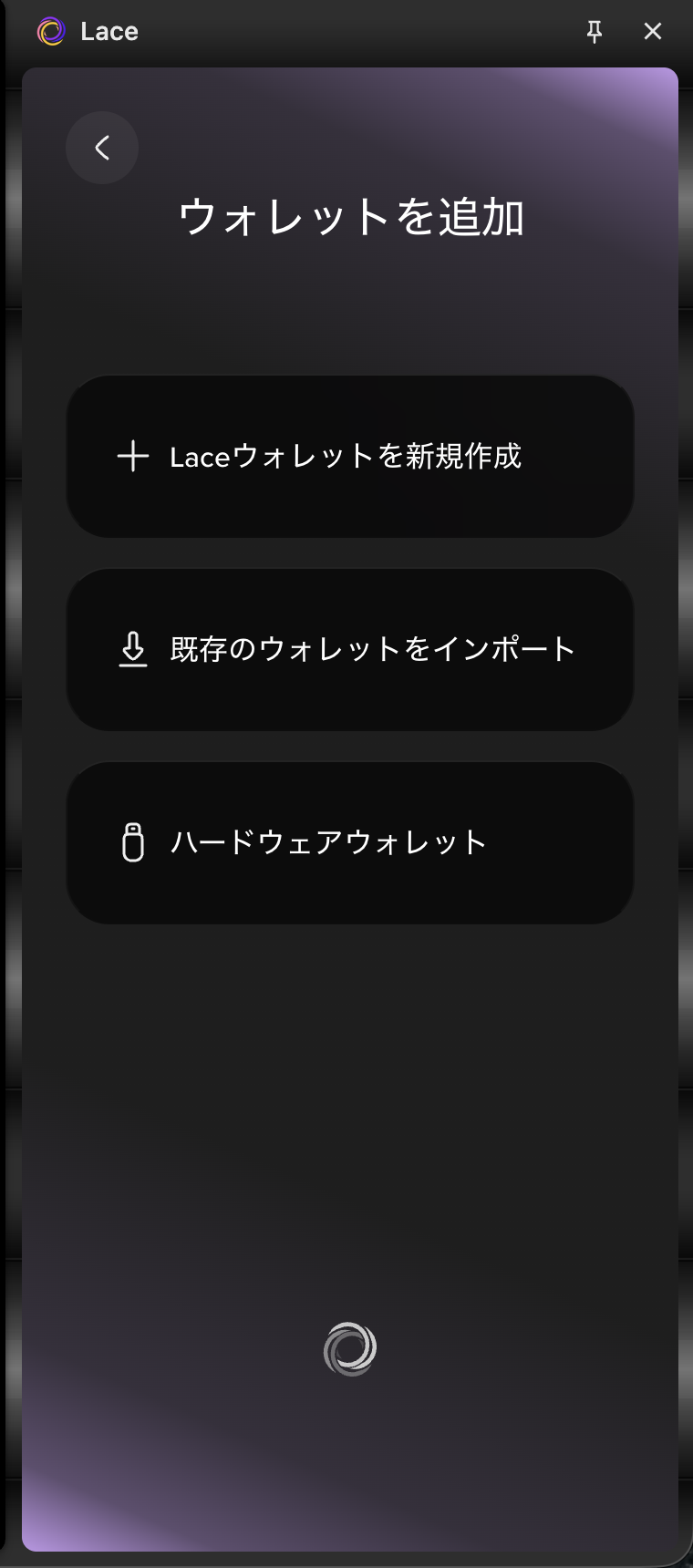
Select "Import Existing Wallet".
-
Enter your recovery phrase, then select "Next".
Note: Separate each word with a single space.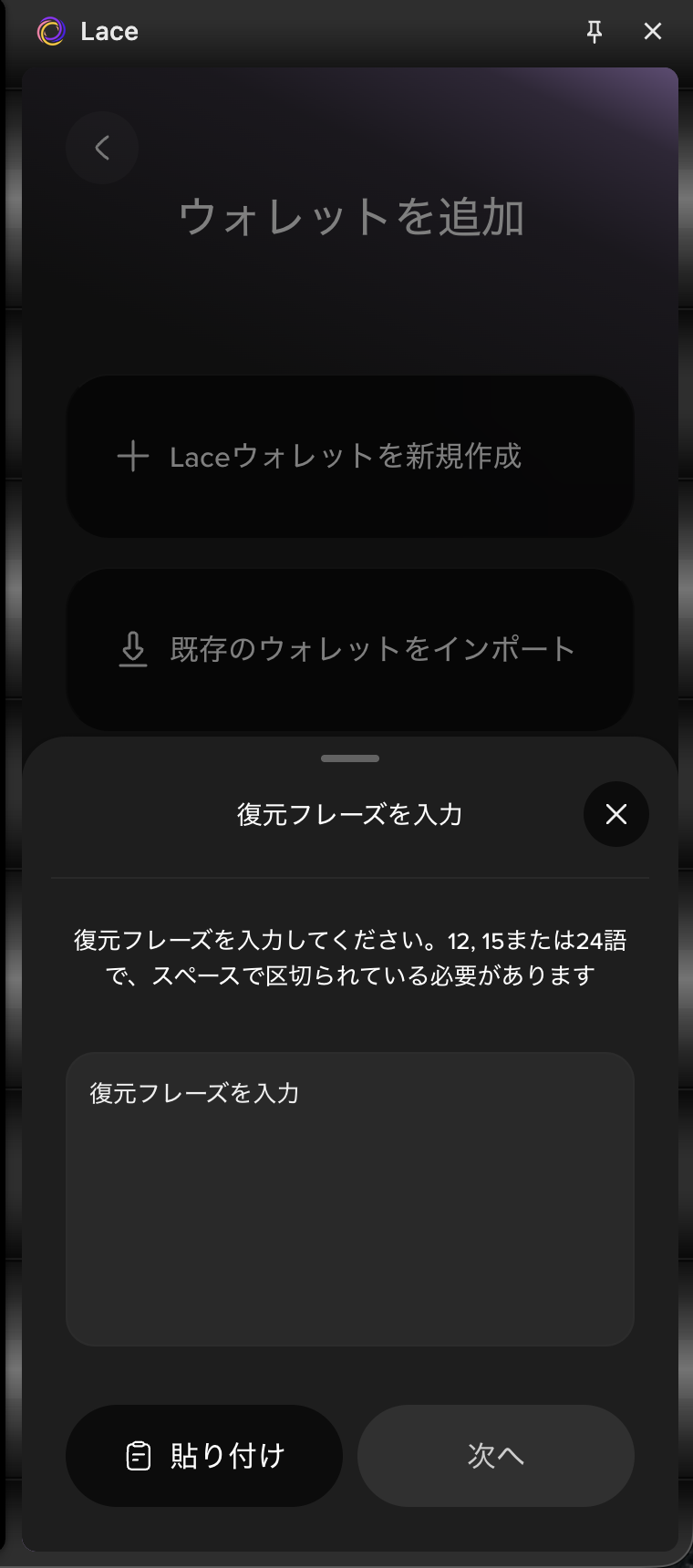
-
Select the network for the wallet you want to restore, then select "Done".
In this guide, we use the defaultCardanonetwork.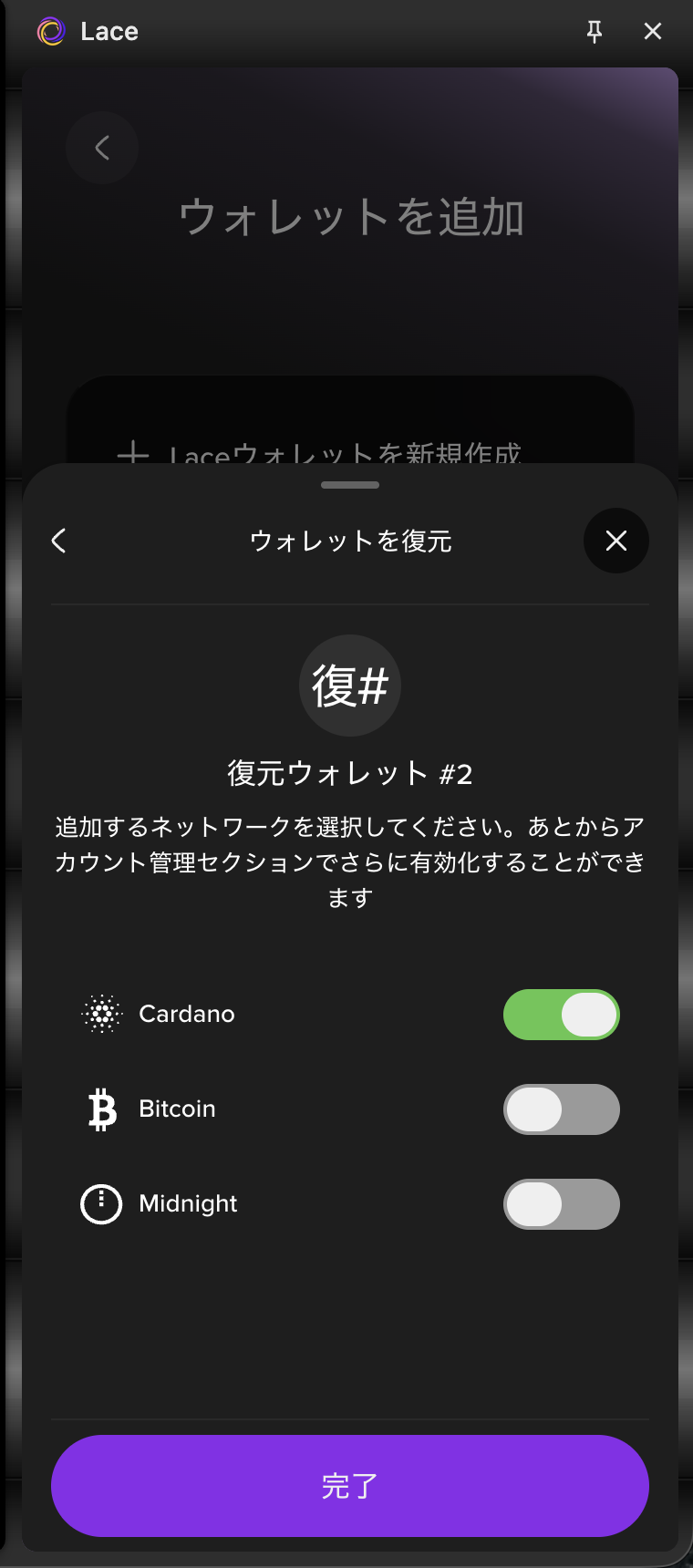
-
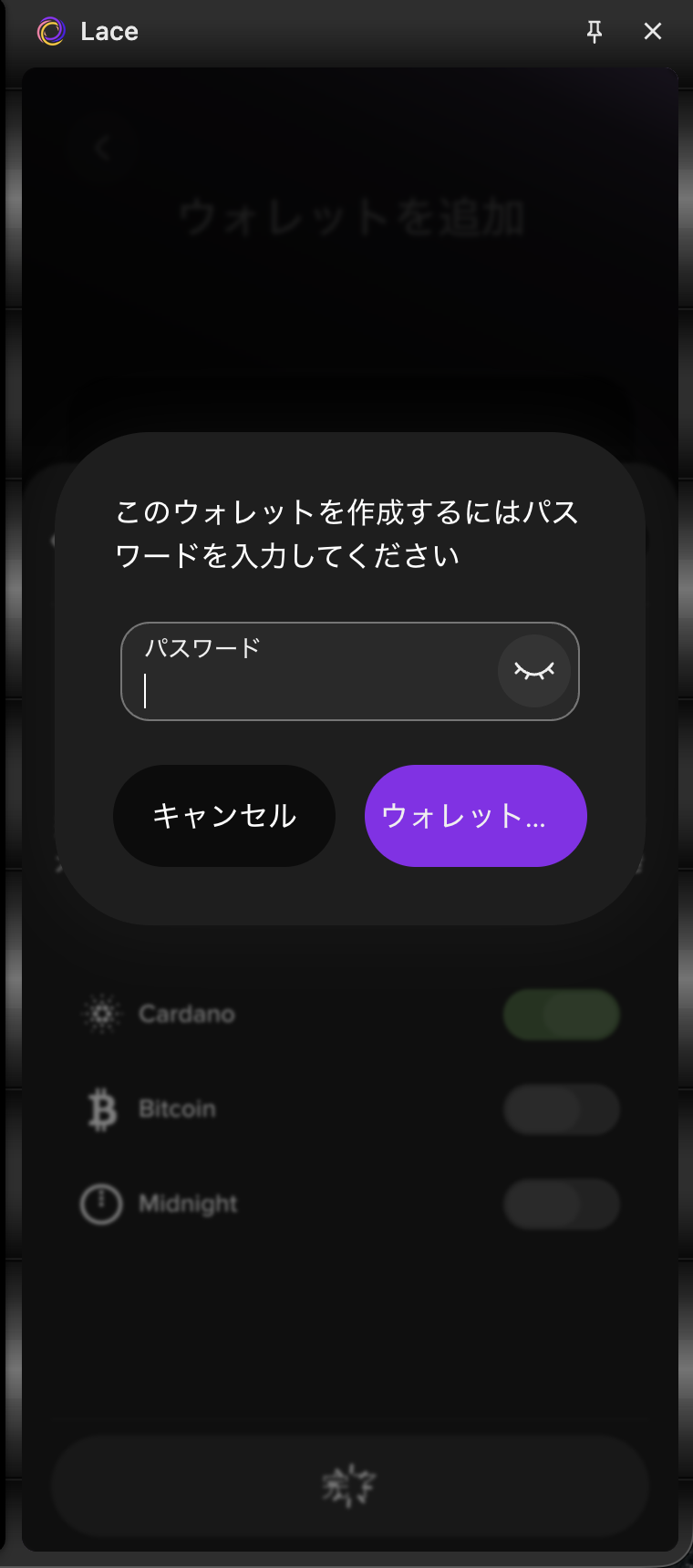
Enter your password, then select "Restore Wallet".
-
Your wallet has been restored.