how-to-send-and-receive
Receive
-
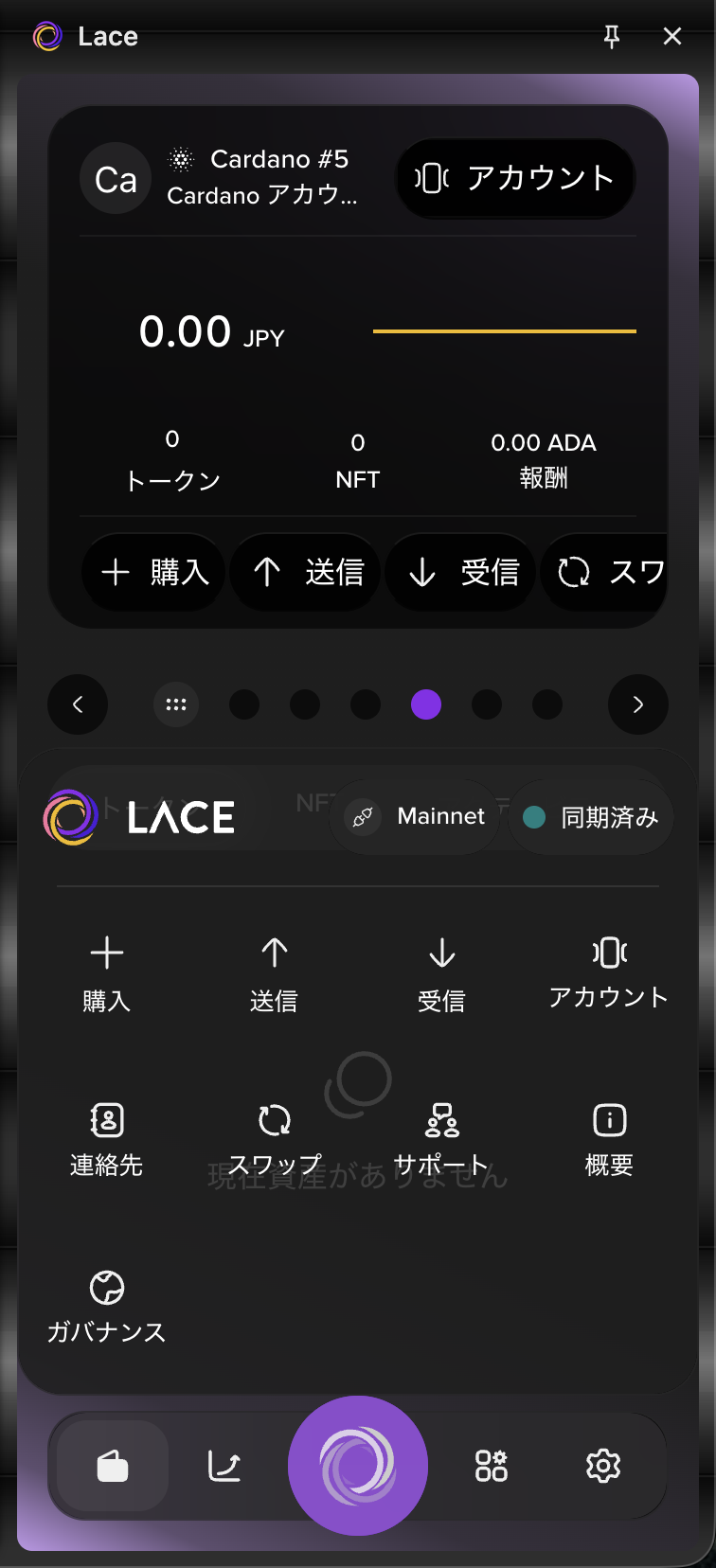
Select the Lace icon at the bottom of the screen, then select "Receive".
-
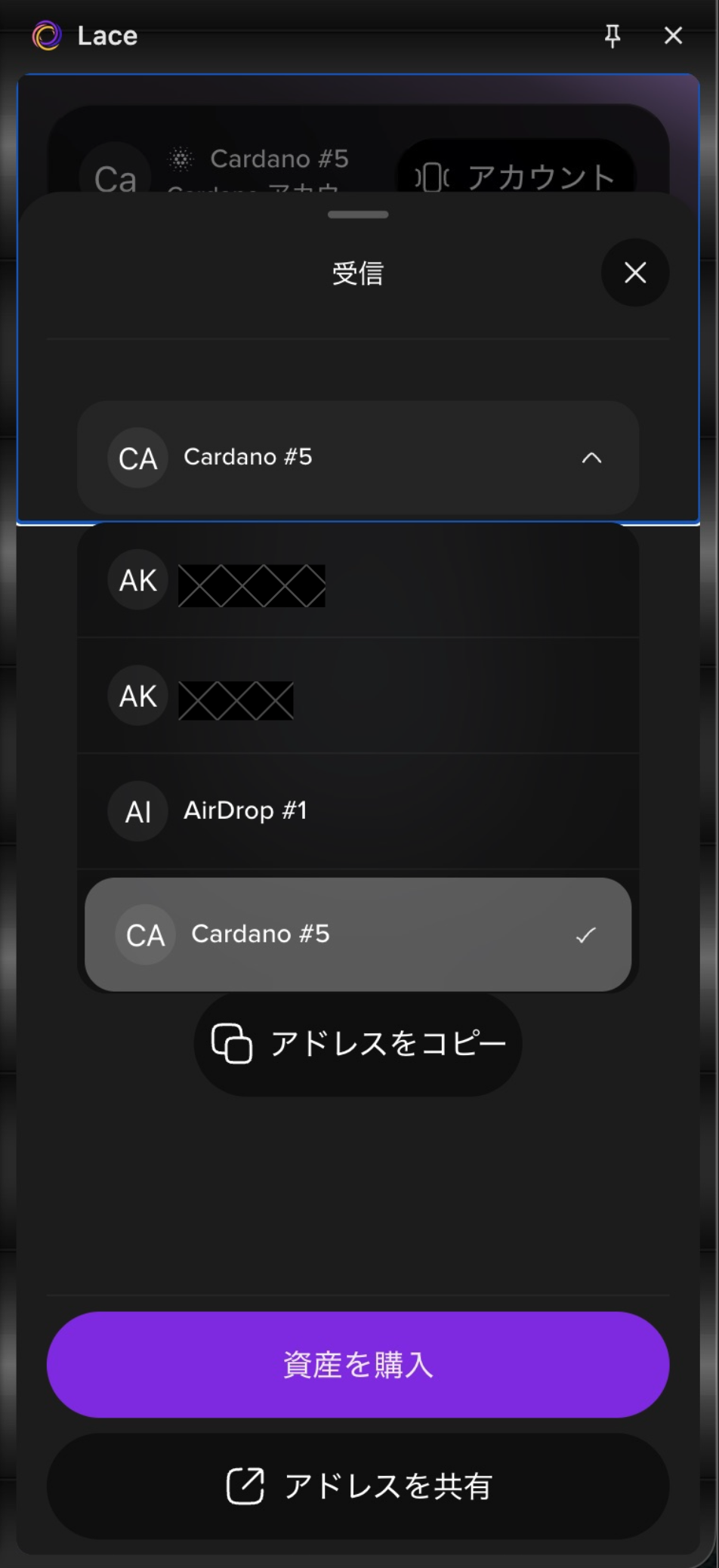
Select the wallet you want to receive funds into.
-
Select "Copy address" to copy the receiving address.
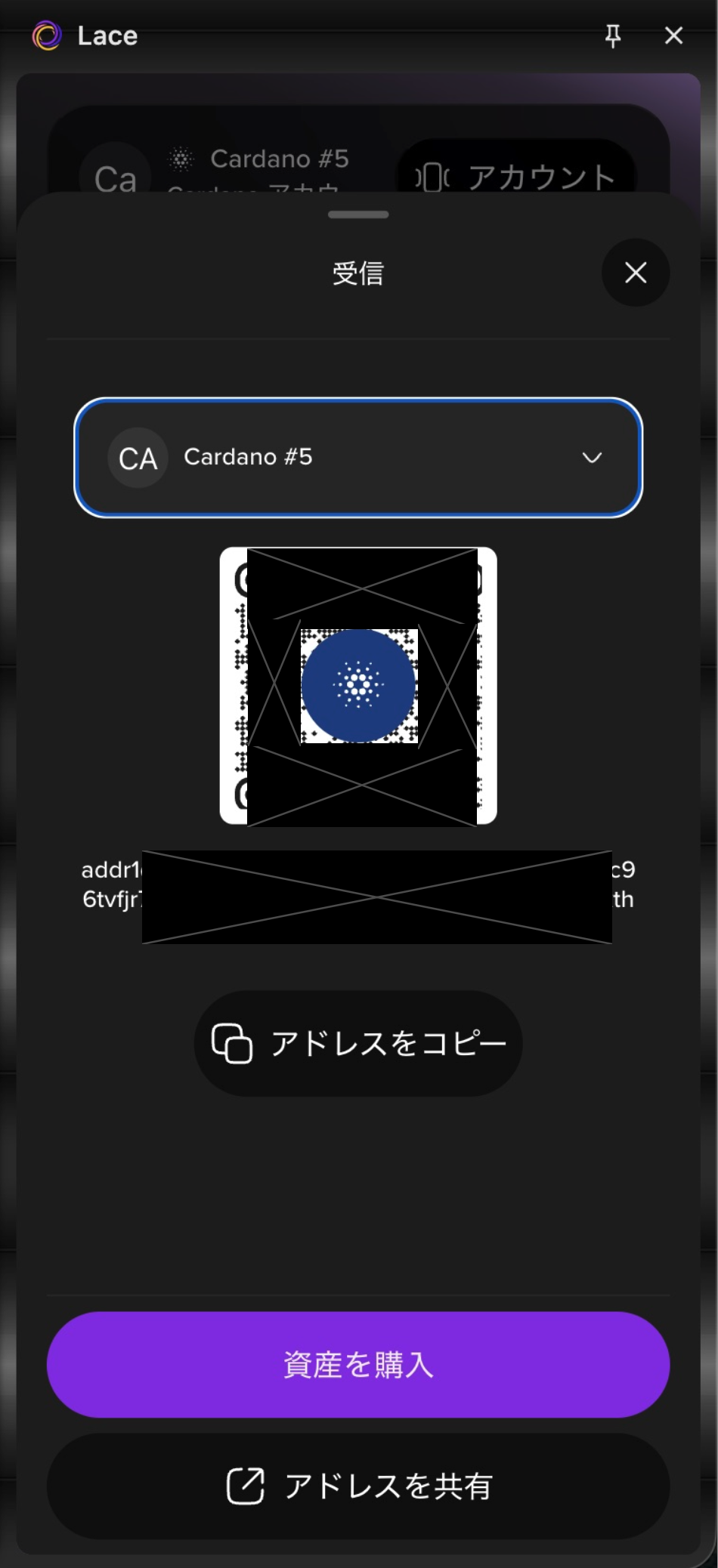
You can also use "Share address" to share the receiving address via a messaging app or other method.
Send
Follow the steps below to send funds.
-
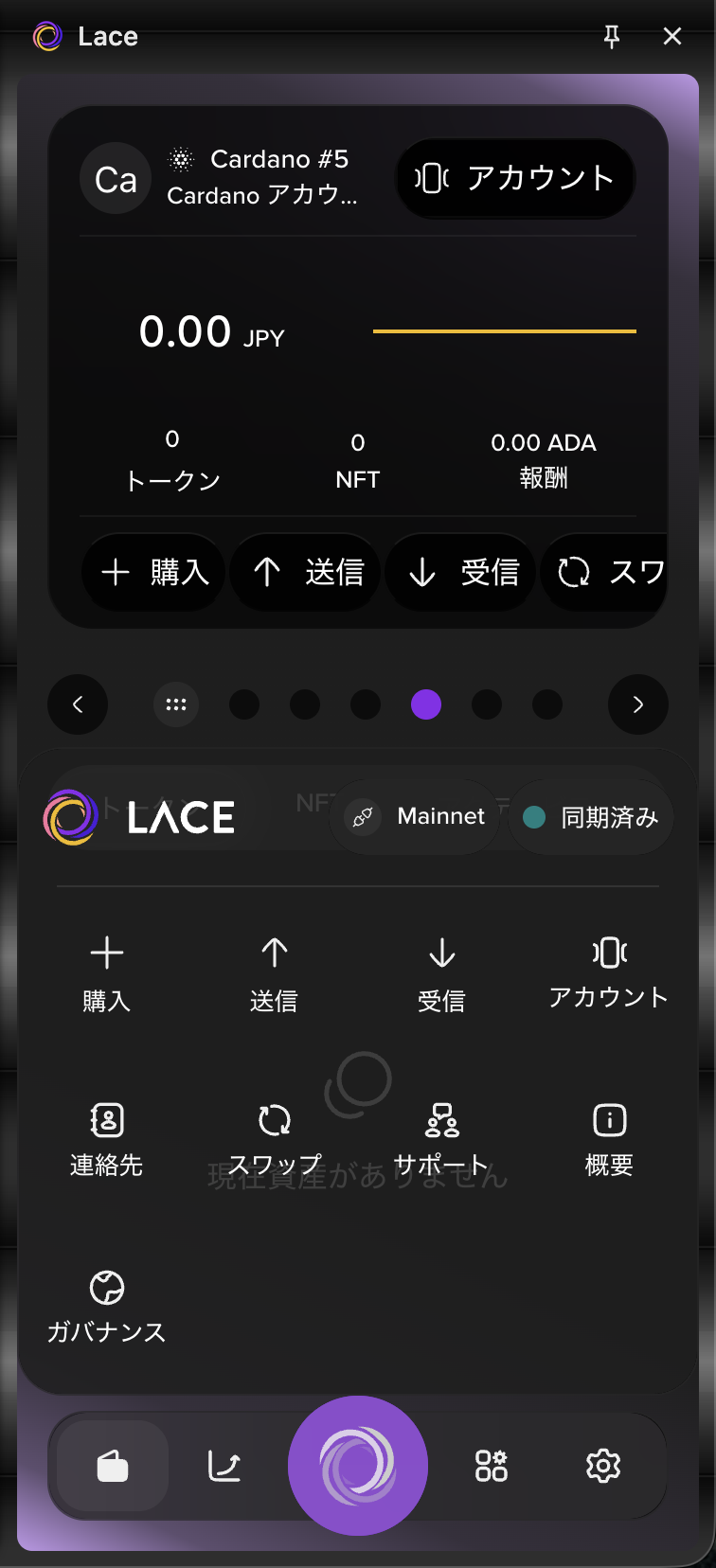
Select the Lace icon at the bottom of the screen, then select "Send".
-
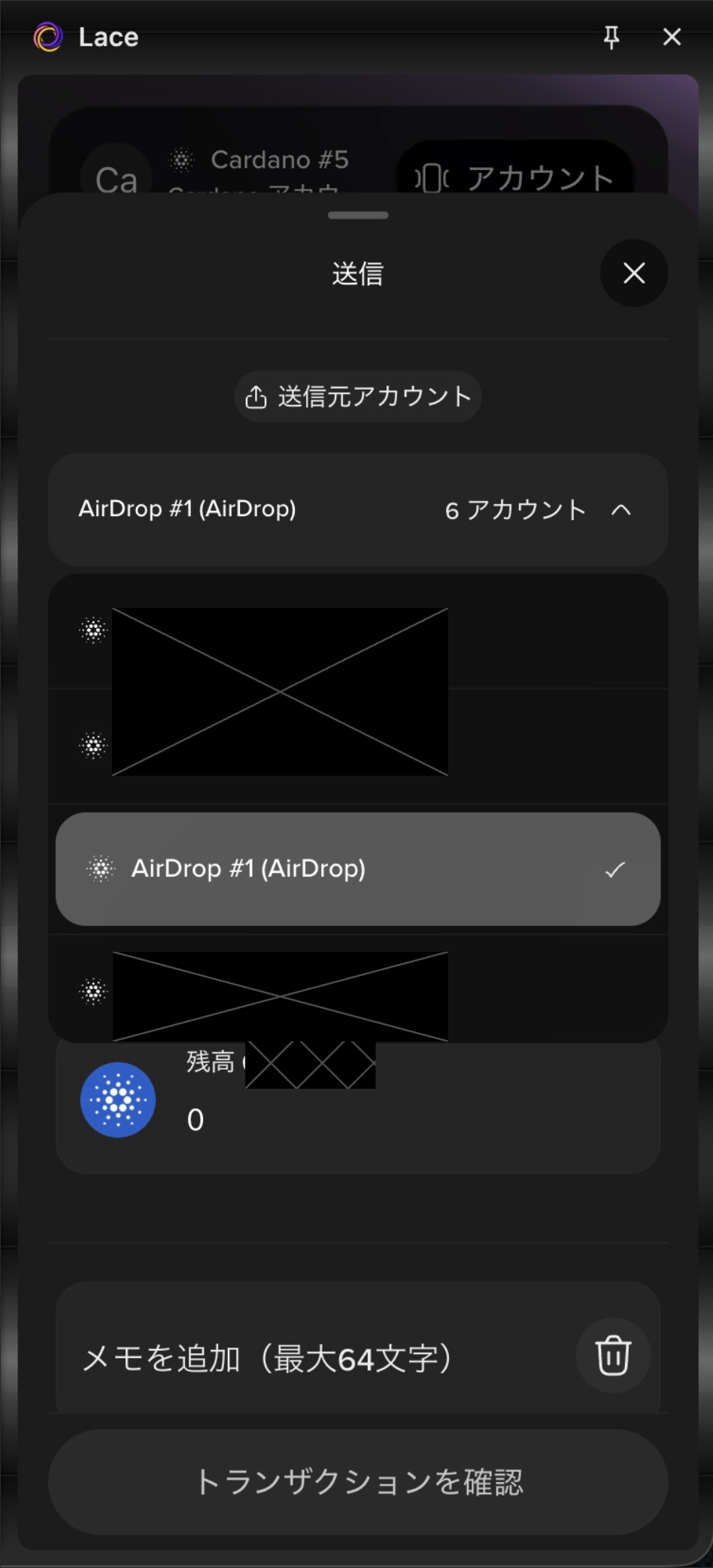
Select the wallet you want to send funds from.
-
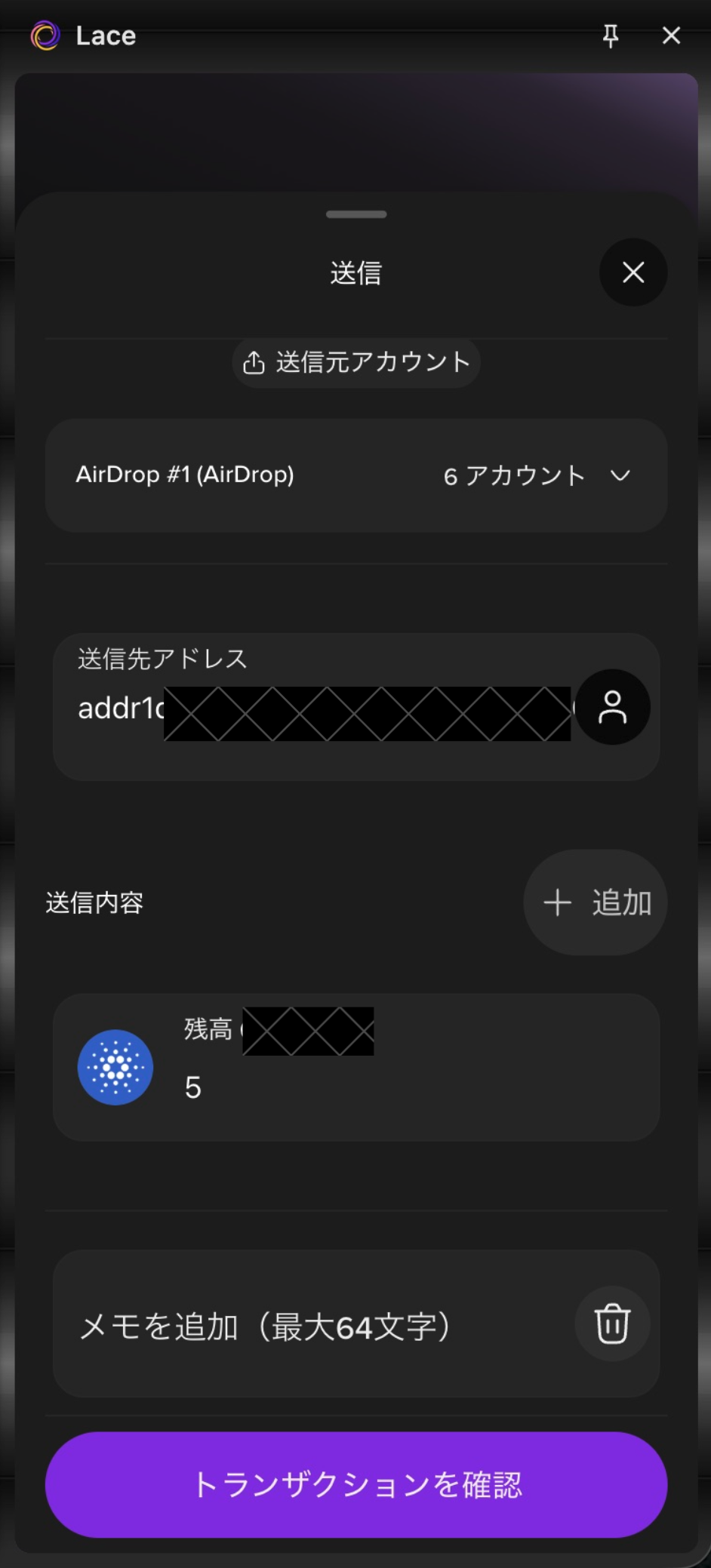
Paste the recipient's receiving address into the recipient address field.
-
Enter the amount you want to send in the send details field.
-
Select "Review transaction".
-
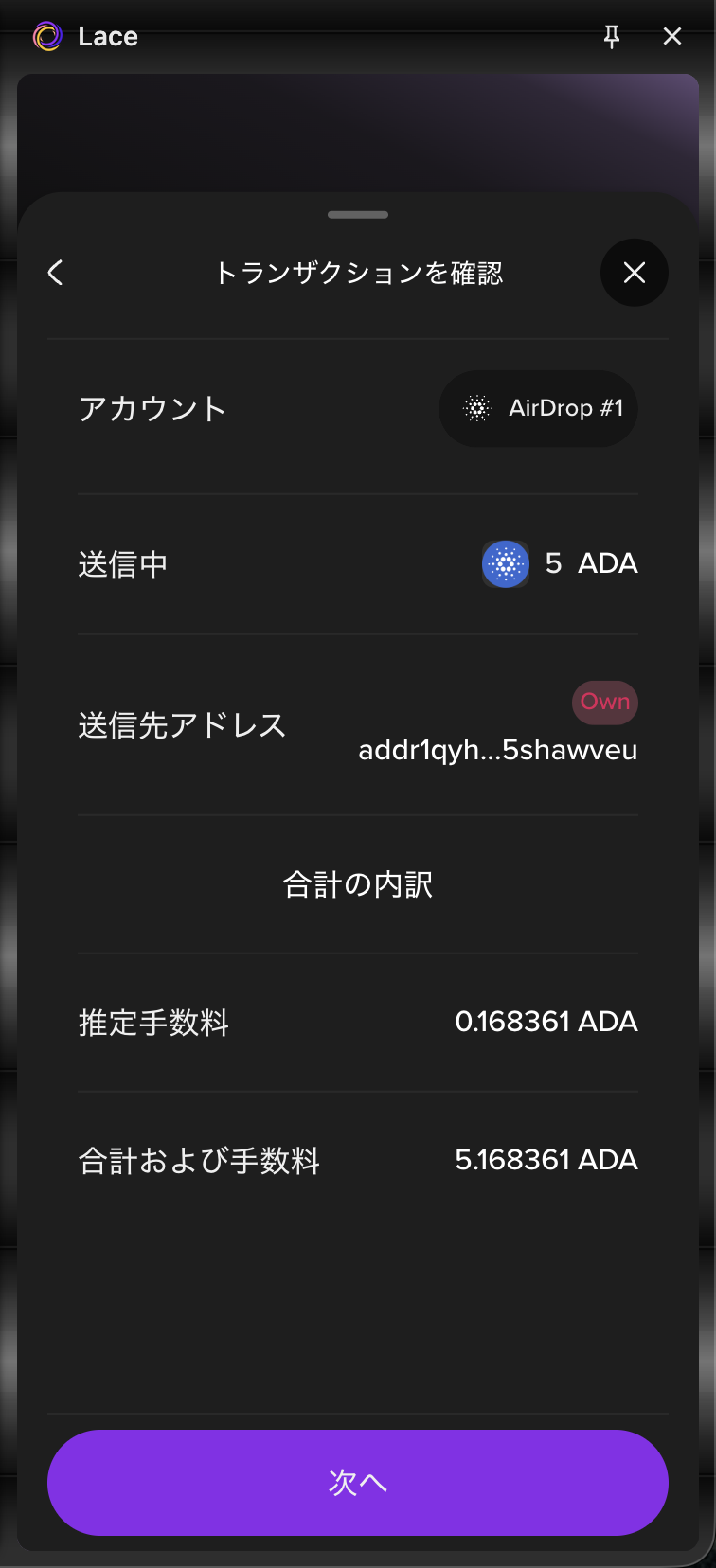
Review the transaction details, then select "Next".
-
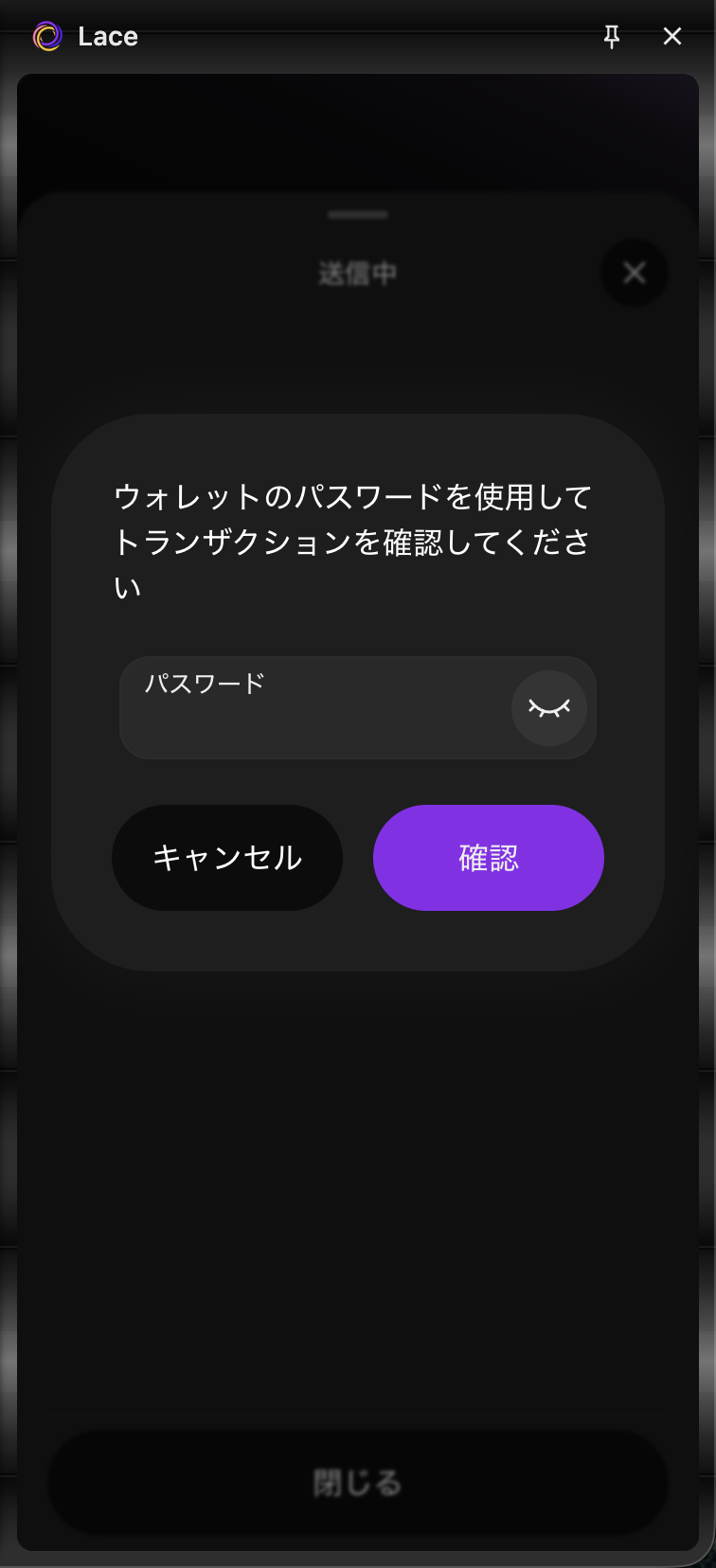
Enter the password you set during the initial setup, then select "Confirm".
-
When "Completed" is displayed, select "Close".
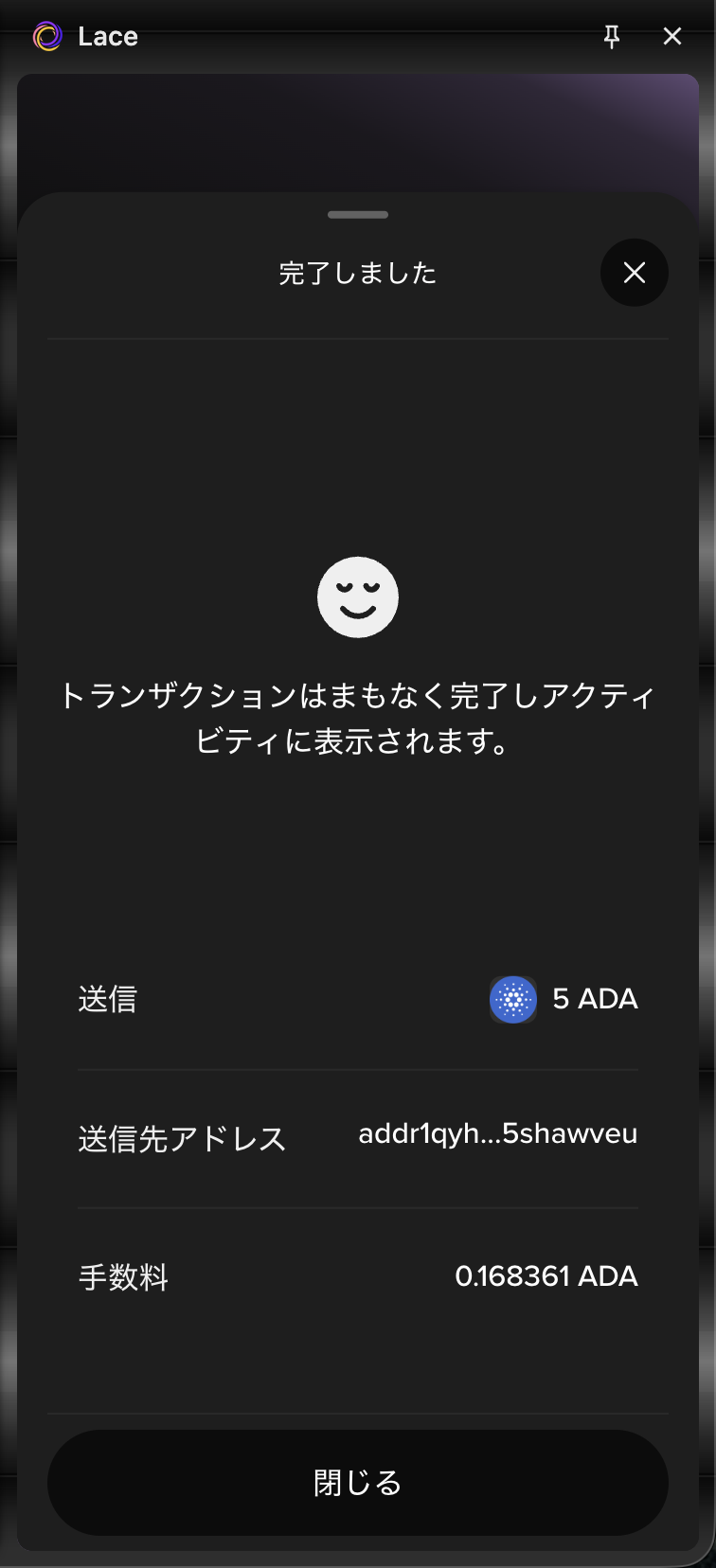
The transaction is now complete.
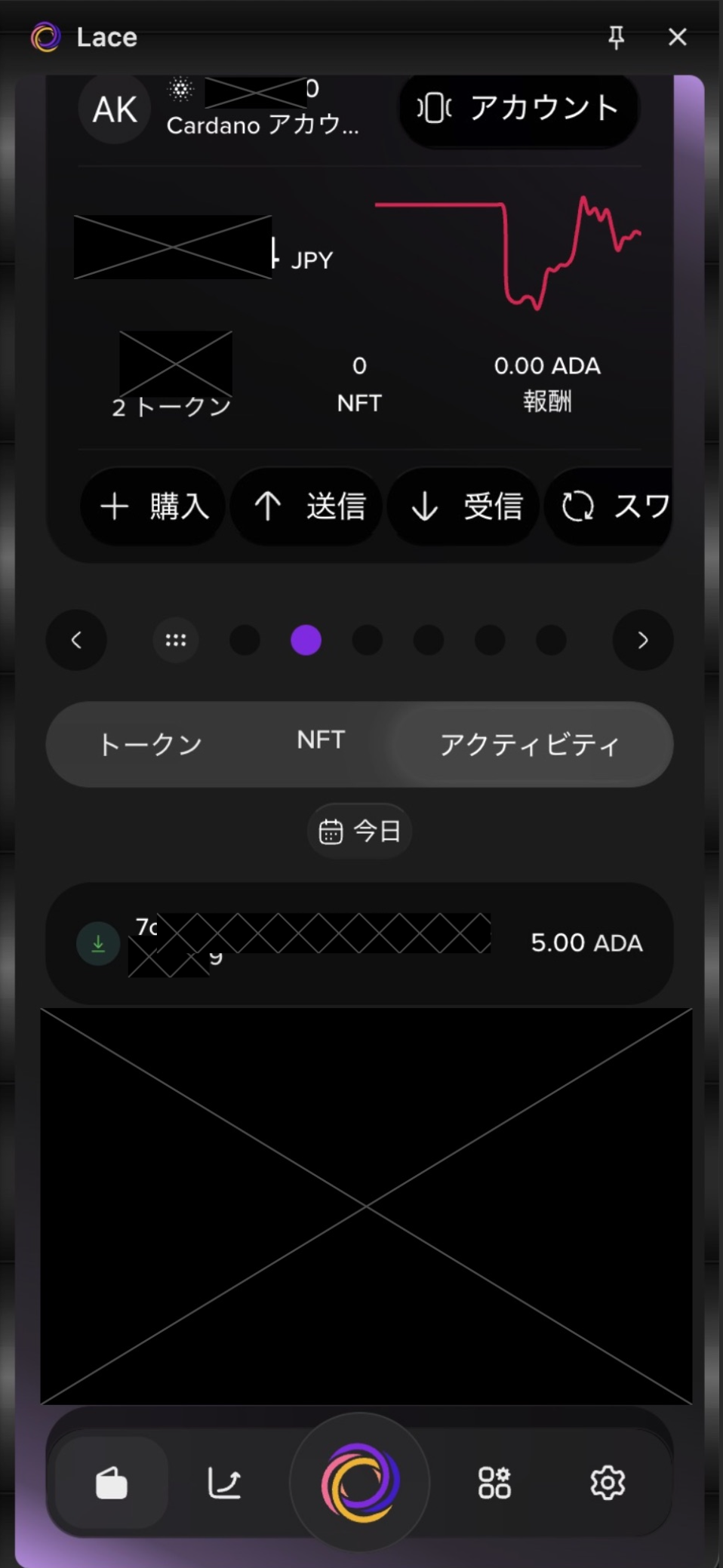
You can view your transaction history from the "Account page" at the bottom of the screen.
Select "<" or ">", or swipe the screen to switch between accounts.