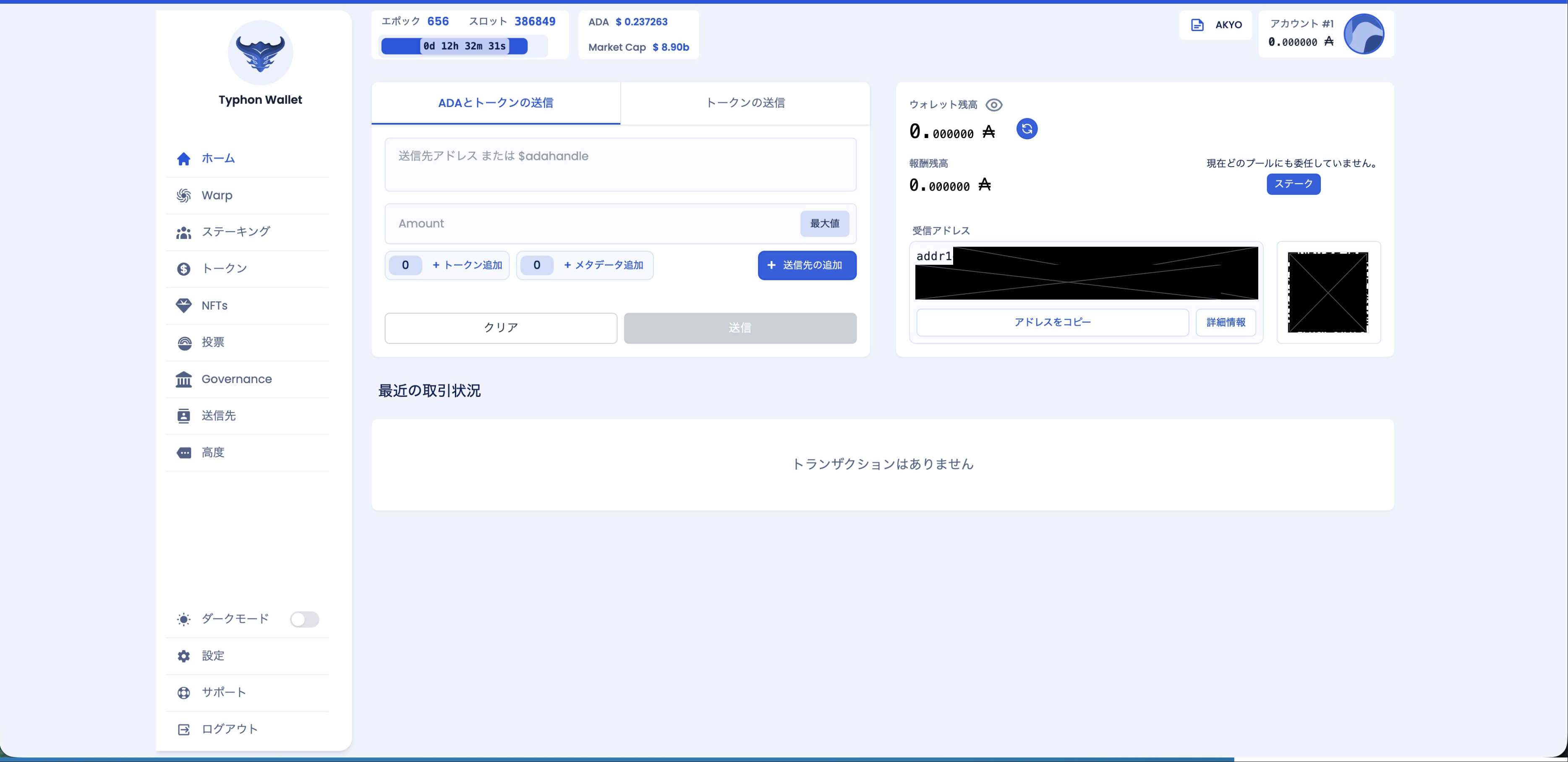
How to Send and Receive
Send
- Select the "Send ADA & Tokens" tab on the left side of the screen, and paste the recipient's receiving address into the recipient address field.
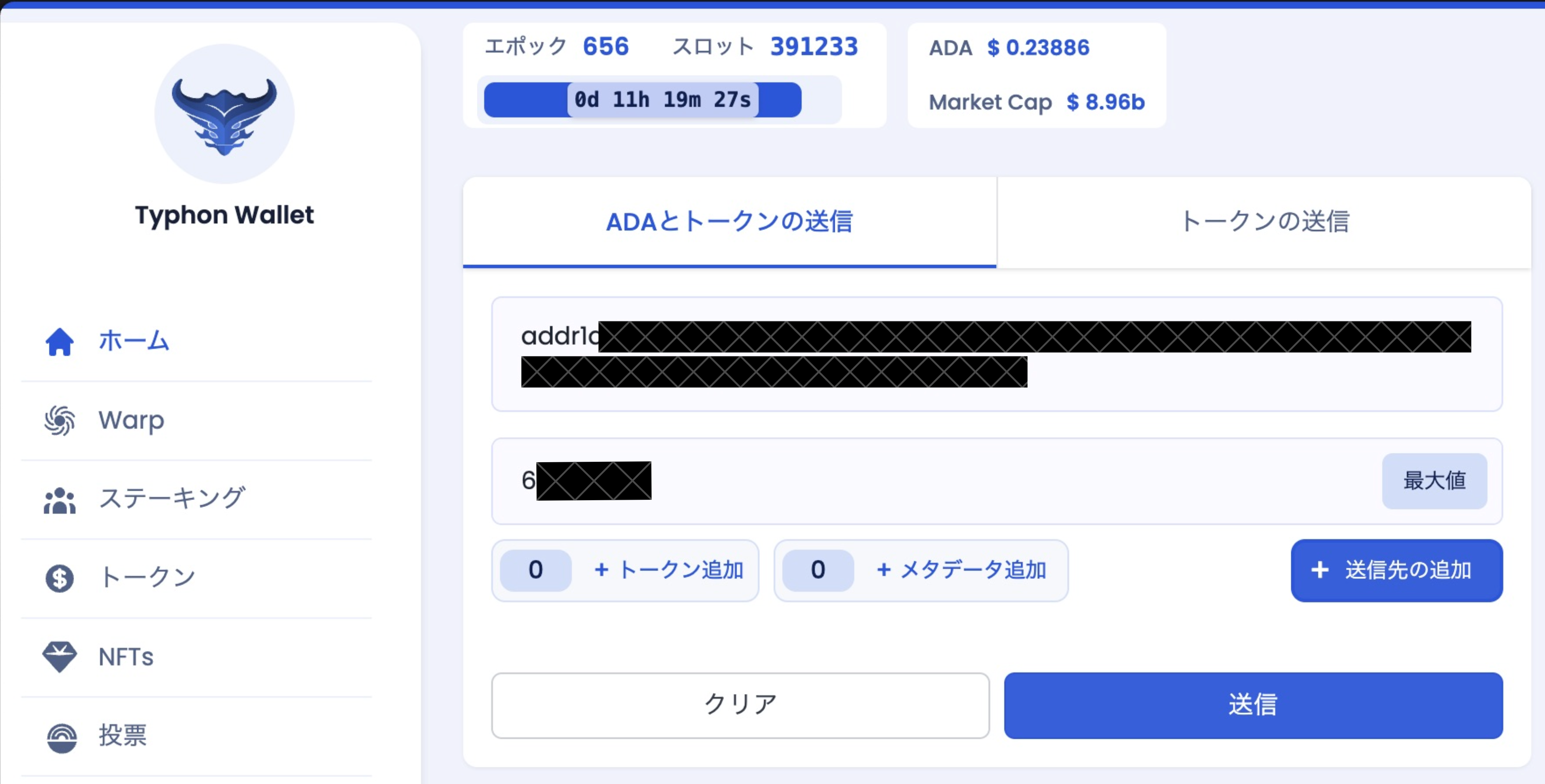
- Enter the amount you want to send in the "Amount" field.
To send the full amount, select the "Max" button. If you have NFTs or FTs, select the "+ Add Token" button and select each token you want to send.
- After entering all the required information, select the "Send" button.
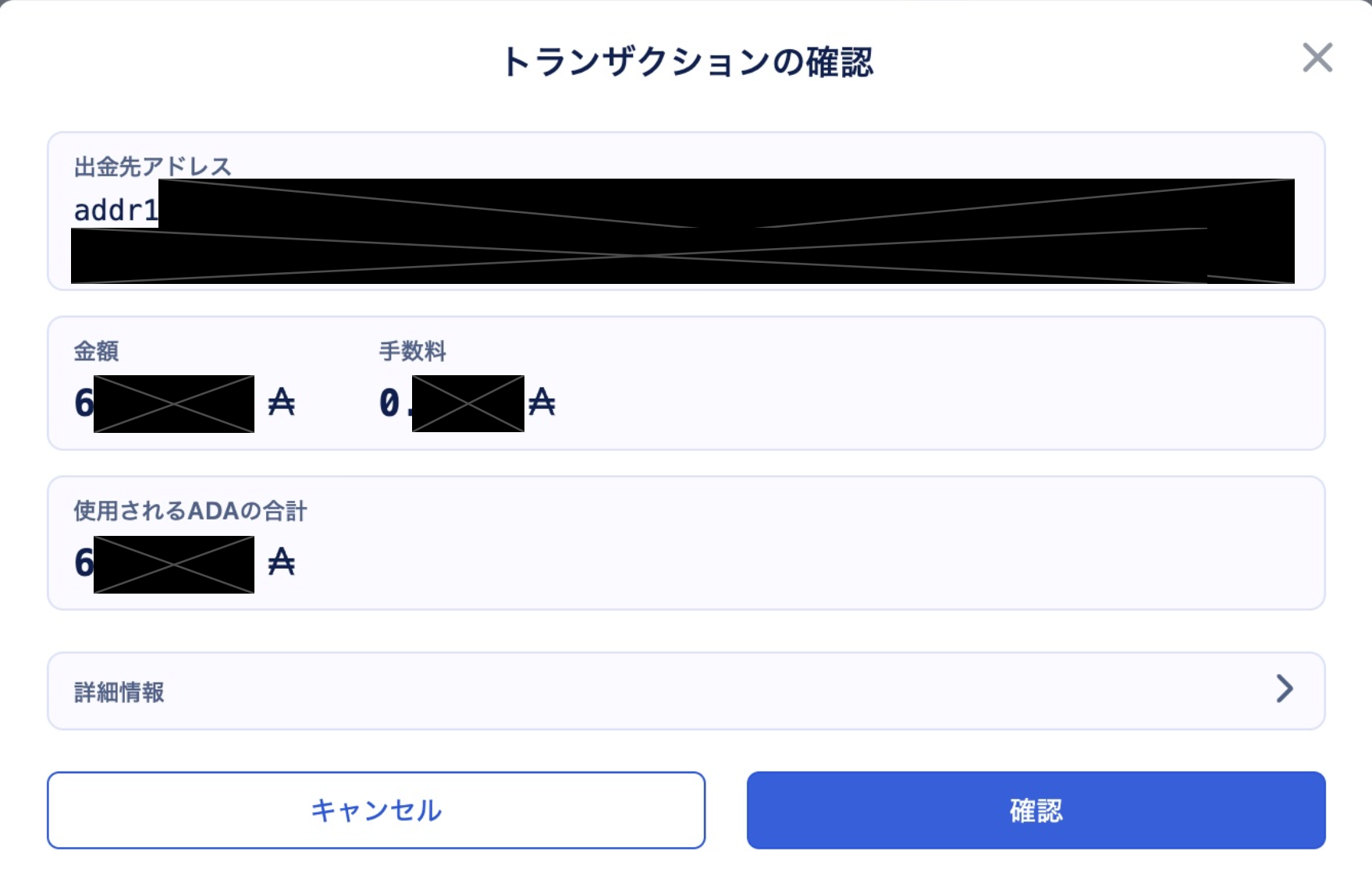
- The "Confirm Transaction" screen will appear. Review the details and select the "Confirm" button.
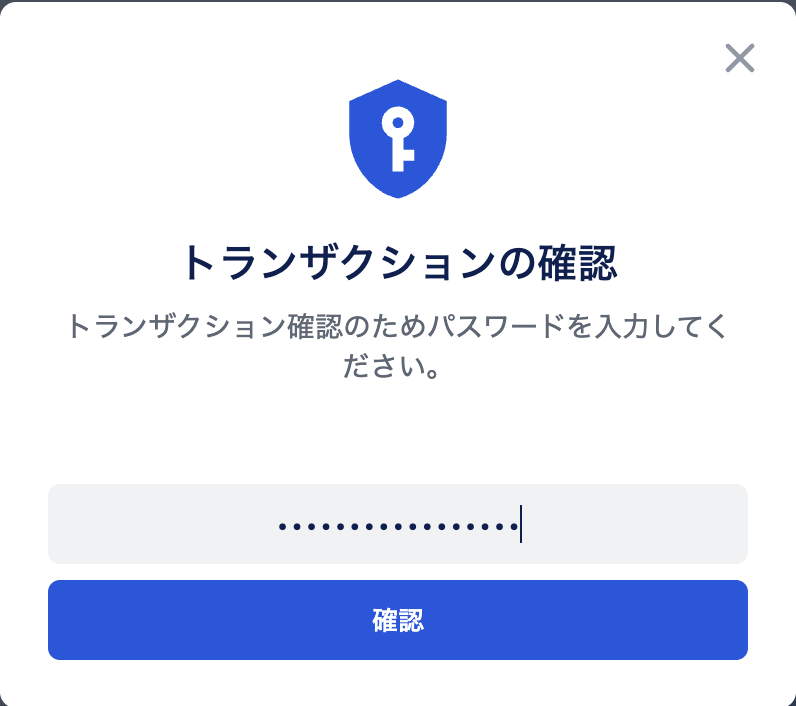
- Enter your transaction password and select the "Confirm" button.
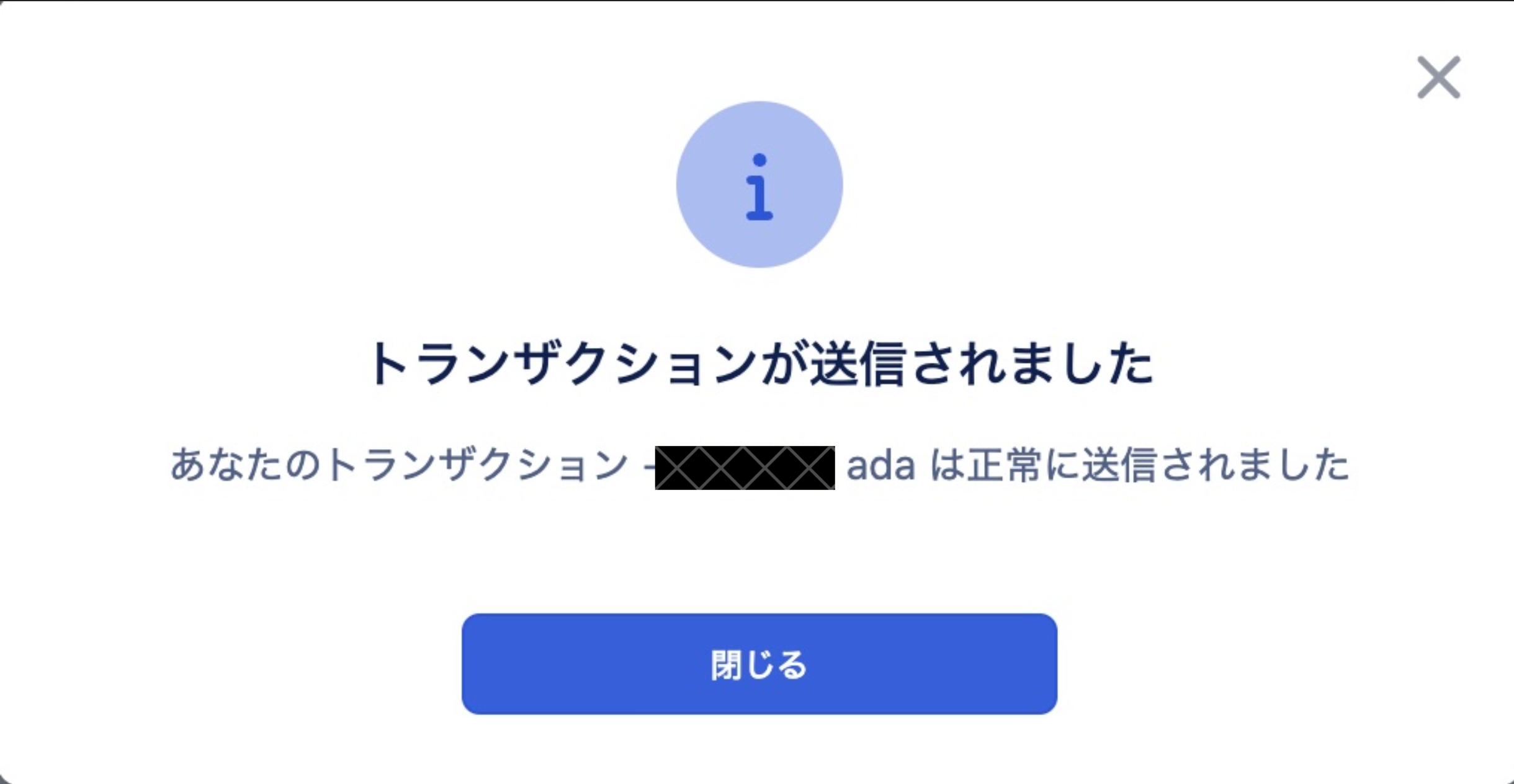
- When "Transaction Submitted" is displayed, the transaction has been sent successfully.
Select the "Close" button to close the transaction confirmation screen.
Receive
info
This section explains how to receive funds.
- Select the "Copy Address" button below "Receiving Address" on the right side of the screen.
When the address has been copied, "Copied" will be displayed.