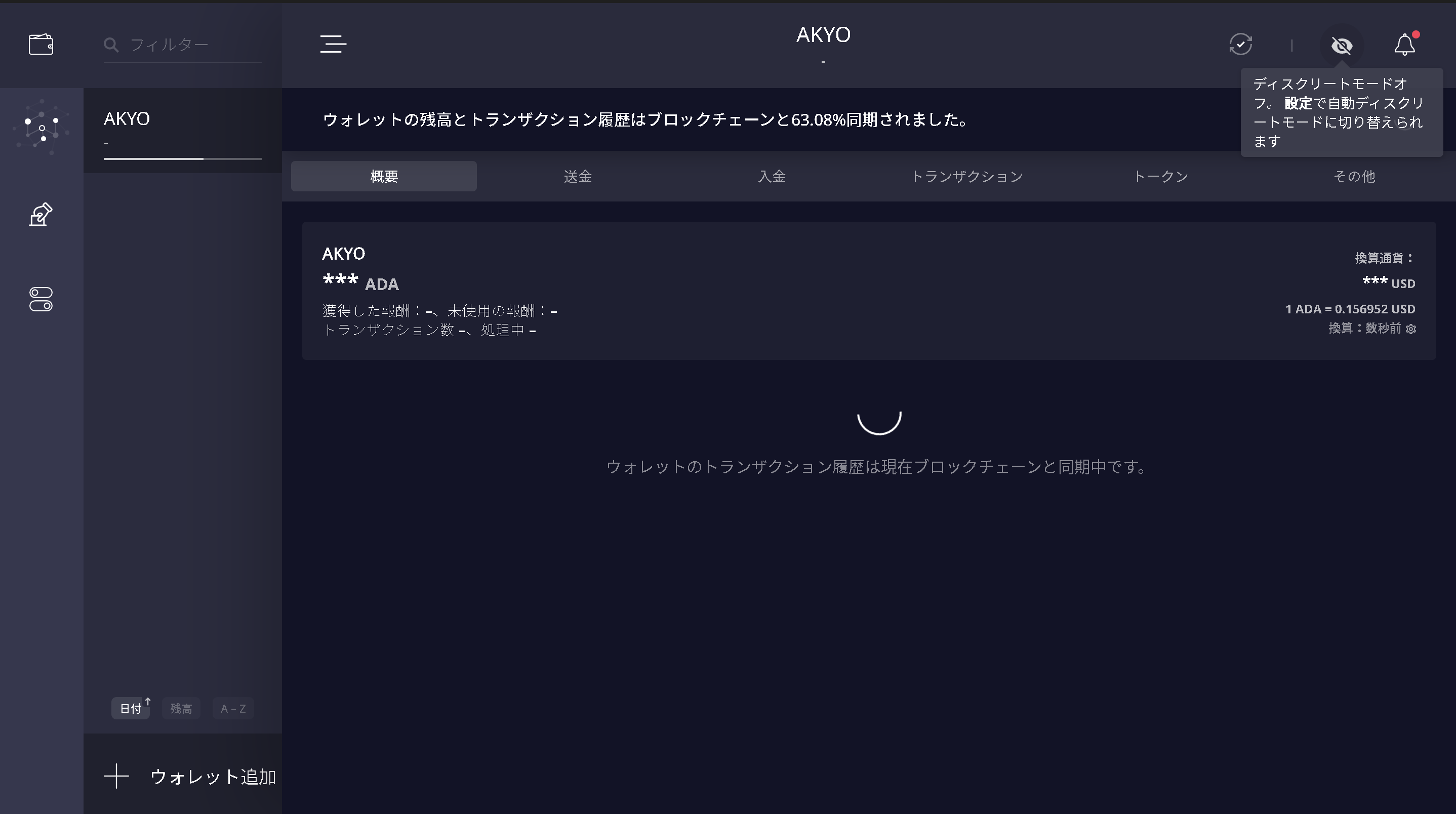
Setting Up Discreet Mode
Setting Up Discreet Mode
-
Select "Settings" from the bottom of the left-hand menu, then select "Security" on the right.
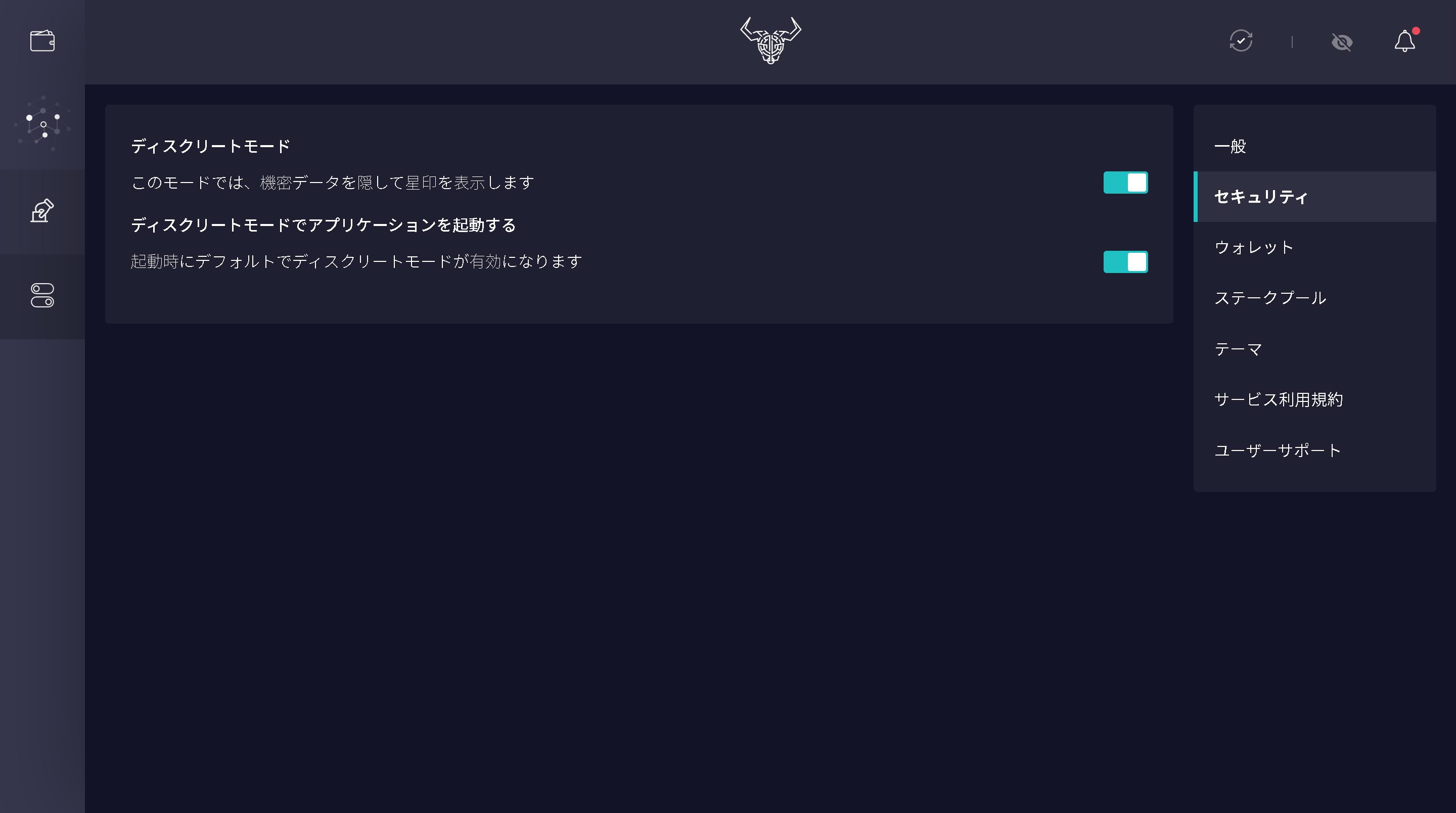
-
Enable both "Hide sensitive information..." and "Enable by default on startup".
-
Click the eye icon in the upper-right corner to toggle Discreet Mode on or off.