Validate recovery phrase in Daedalus Wallet
Verifying Your Recovery Phrase
-
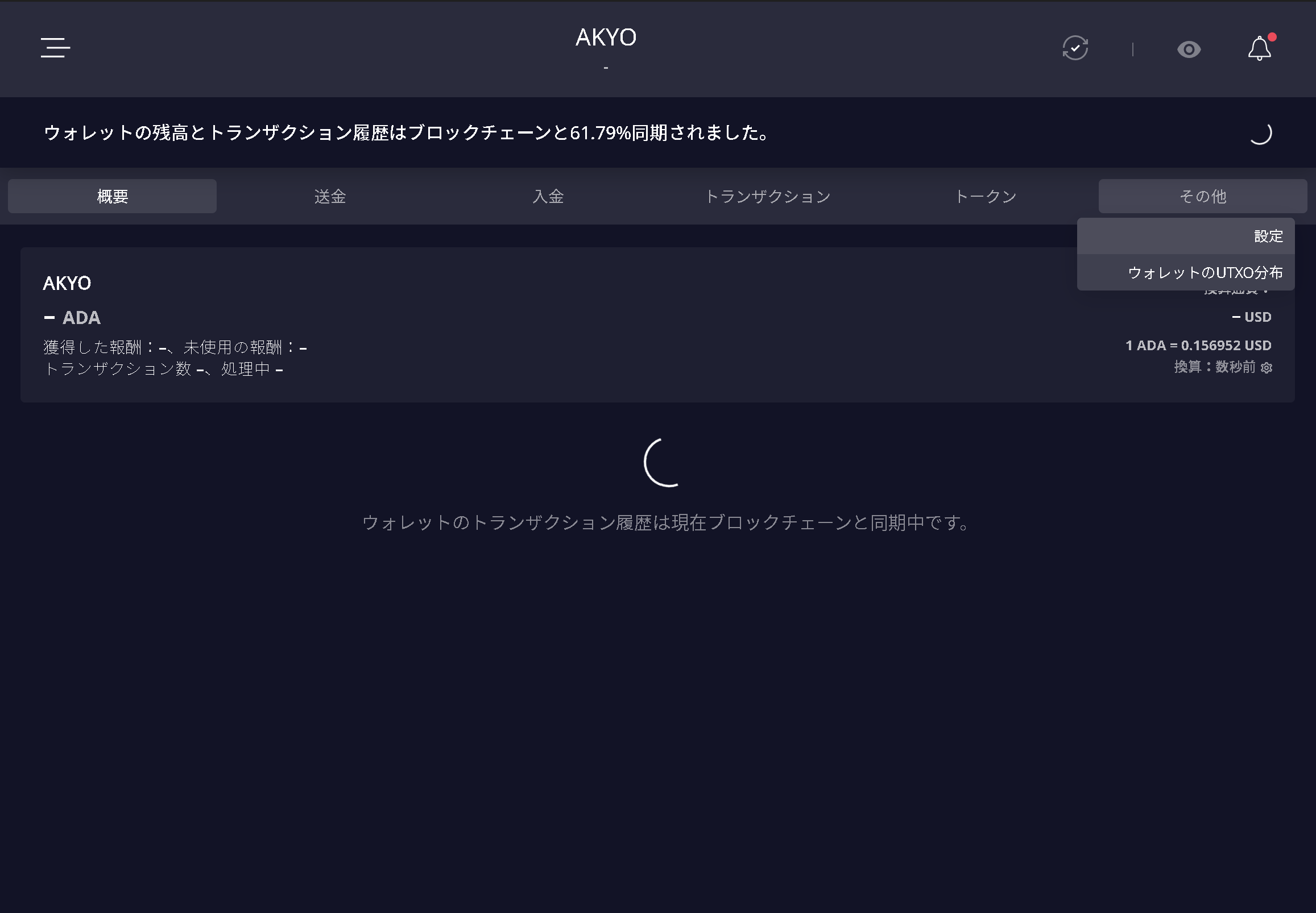
Select the wallet whose recovery phrase you want to verify, then go to the "More" tab and select "Settings".
-
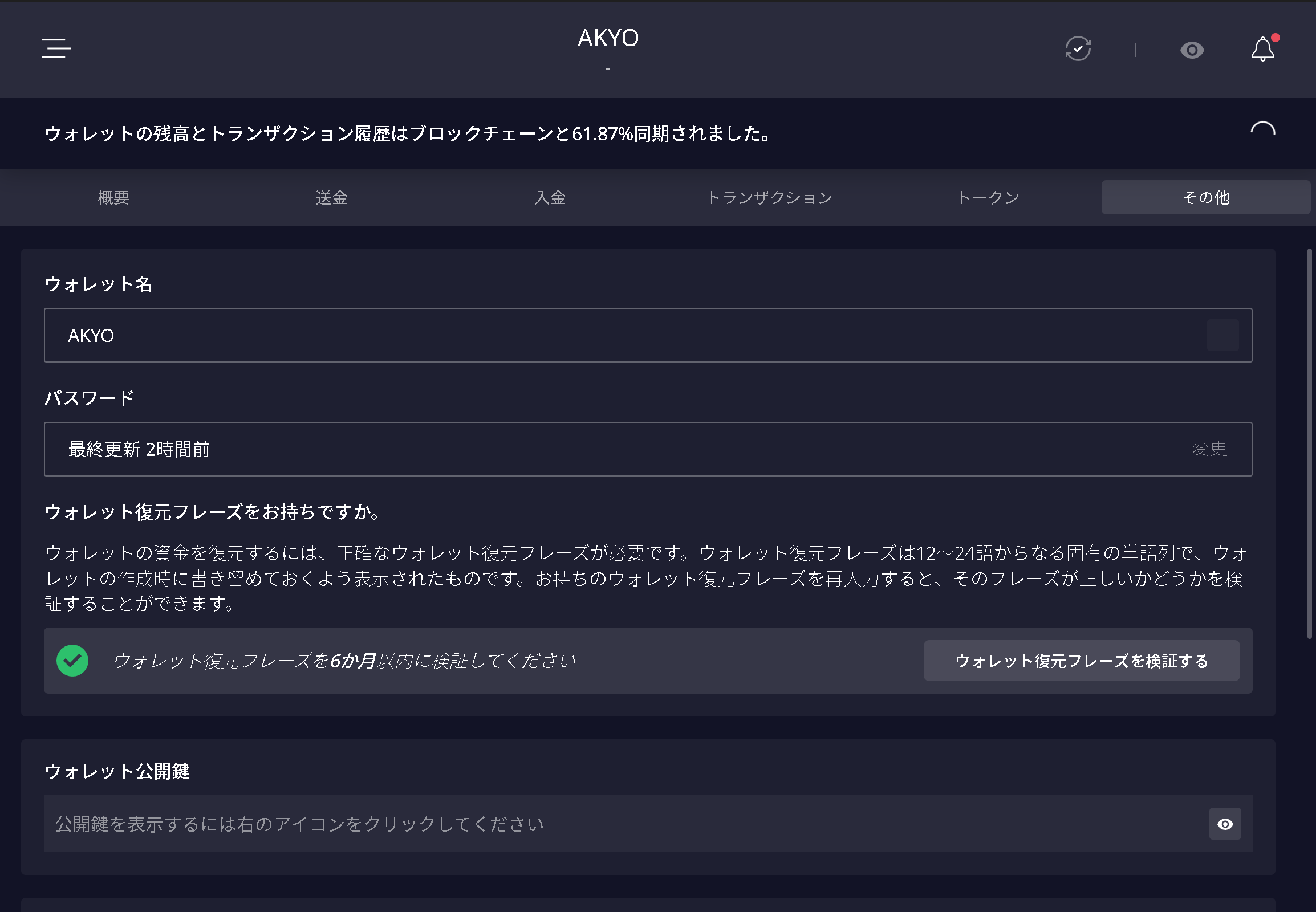
Select "Verify Wallet Recovery Phrase".
-
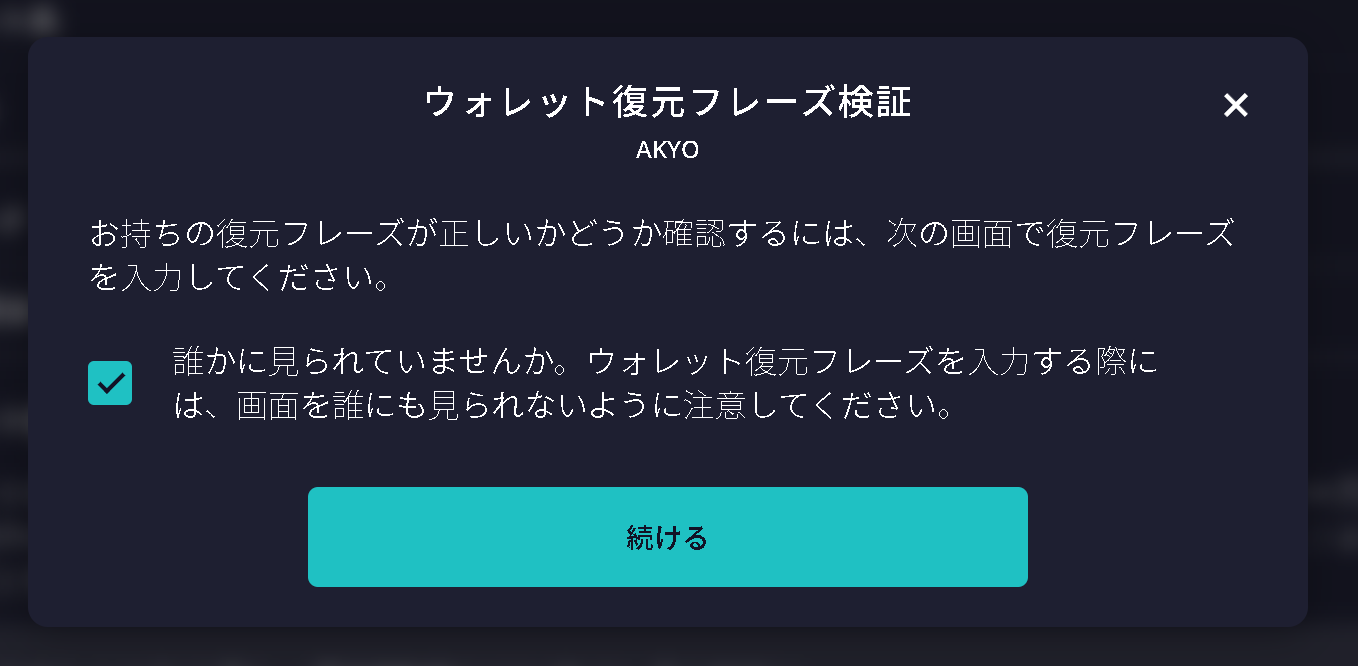
Once you have confirmed that no one else can see your screen, check the box and select "Continue".
-
Enter your wallet's recovery phrase in the correct order.
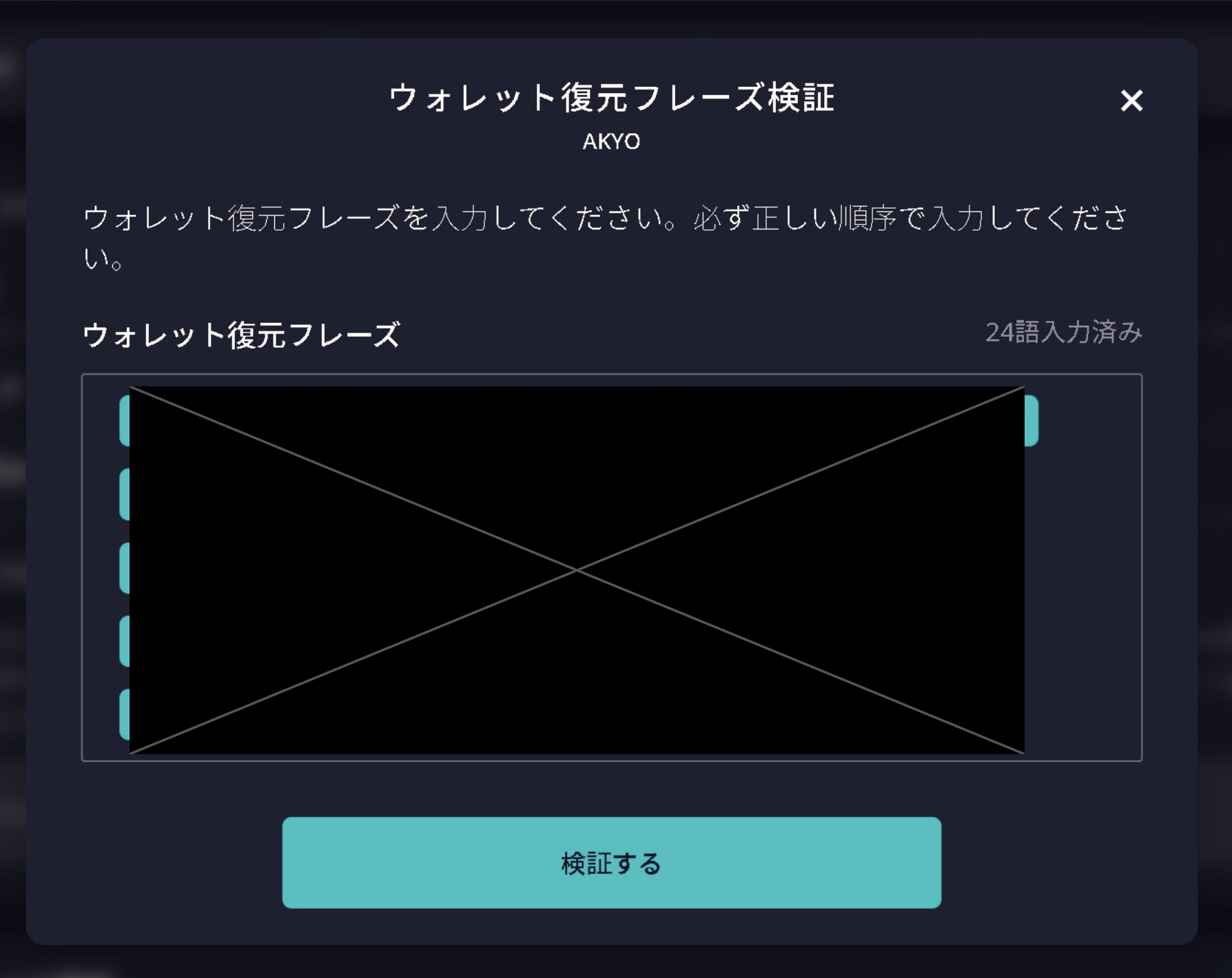
-
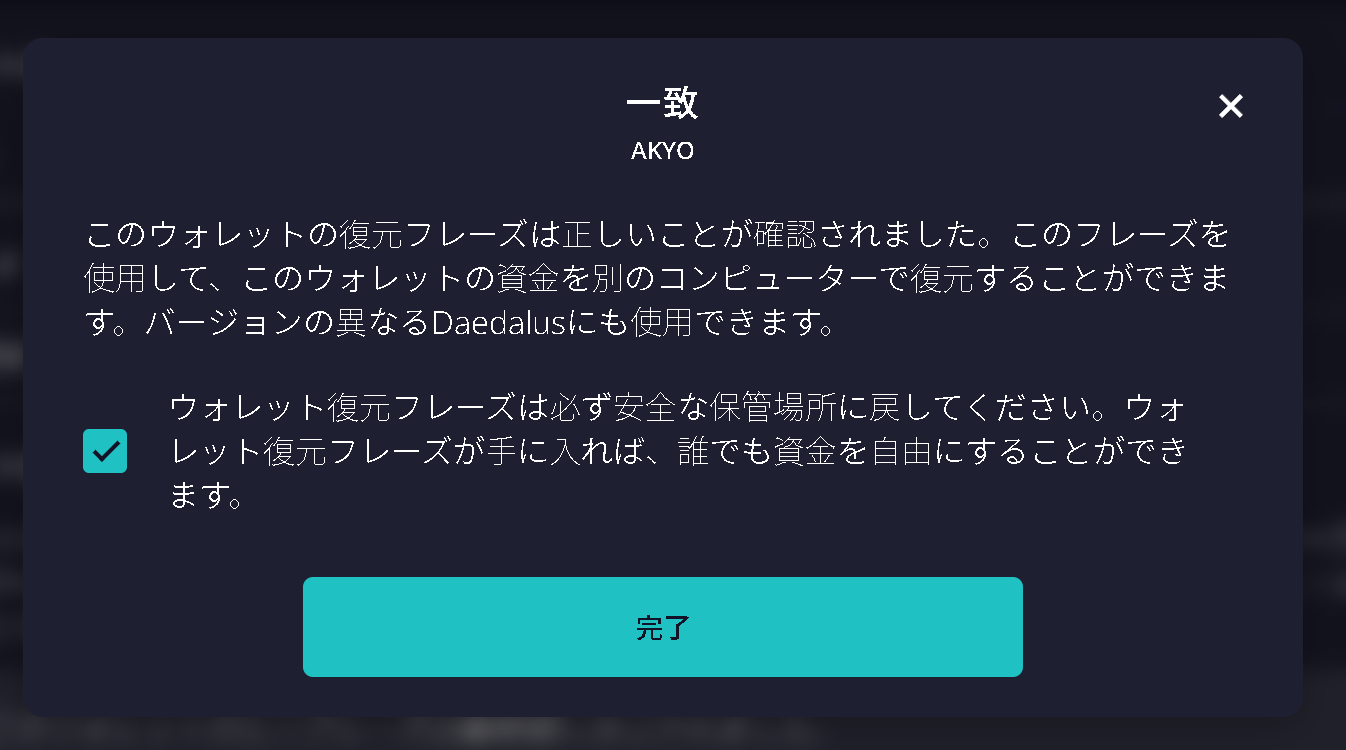
The verification result will be displayed. If the recovery phrase matches, everything is correct. Check the box, then select "Finish" to complete the process.